Microsoft
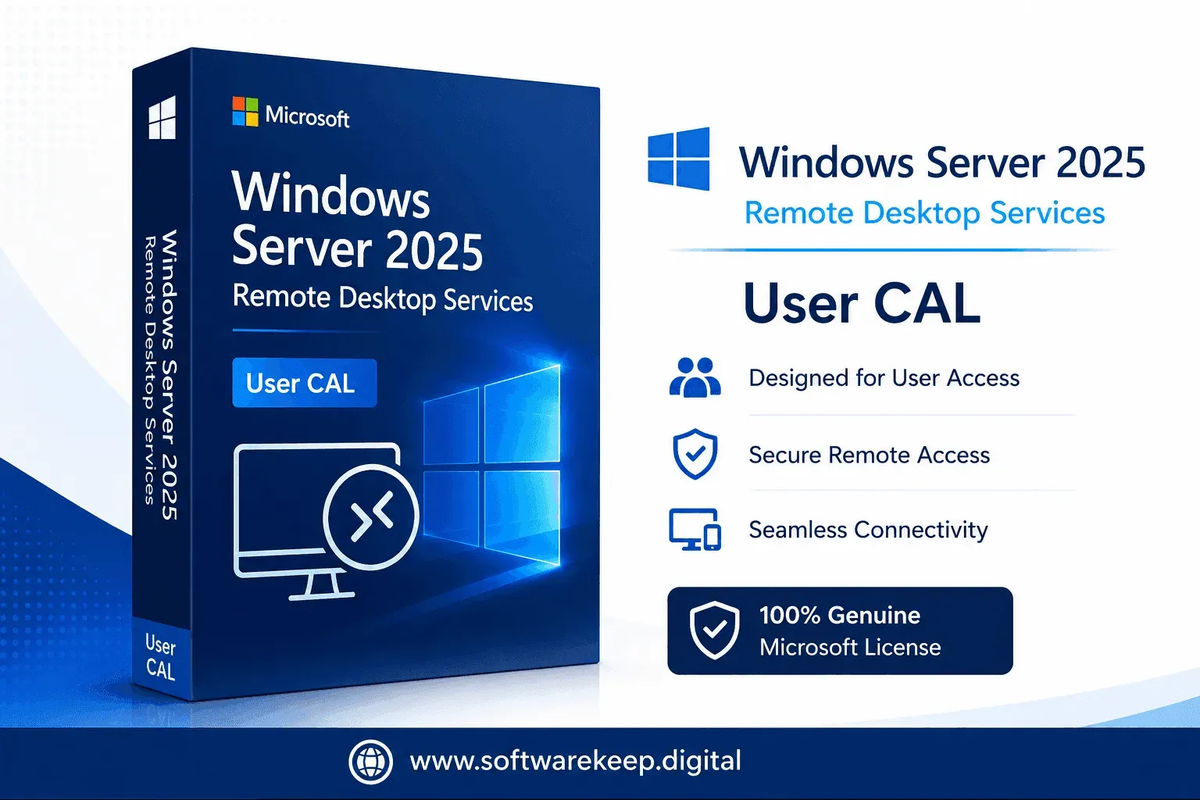
Windows Server 2025 Remote Desktop Services – 20 Device CAL | Instant Digital Delivery
Windows Server 2025 Remote Desktop Services – 20 Device CAL | Instant Digital Delivery
Couldn't load pickup availability
Windows Server 2025 Remote Desktop Services – 20 Device CAL
License up to 20 devices to connect to your Windows Server 2025 Remote Desktop Services environment with the Microsoft RDS 20 Device Client Access License (CAL). RDS CALs are a mandatory Microsoft licensing requirement for any device accessing Windows Server 2025 via Remote Desktop Protocol (RDP) — without them, your deployment is out of compliance.
This 20-pack is ideal for organizations with shared workstations, kiosk terminals, or fixed-device environments. Delivered instantly as a digital license. No physical media. No waiting.
What Is an RDS Device CAL?
A Remote Desktop Services Device CAL grants a specific device the right to access Windows Server 2025 Remote Desktop Services, regardless of how many users log in from that device. This is the most cost-effective CAL type for environments where multiple users share the same workstation or terminal.
- Device CAL (this product): Licensed per device — one CAL covers one device used by any number of users
- User CAL (alternative): Licensed per person — better when users connect from multiple devices (laptops, home PCs, tablets)
- This listing covers 20 Device CALs — suitable for environments with up to 20 RDS-connected devices
- Stackable: Purchase multiple packs to cover larger deployments
Who Needs RDS Device CALs?
- Organizations with shared workstations or kiosk terminals where multiple users log in from the same device
- Businesses running Remote Desktop Session Host (RDSH) on Windows Server 2025
- Companies using RemoteApp to deliver applications to fixed devices
- Environments with thin clients accessing centralized Windows applications
- Schools, hospitals, or retail environments with shared-device setups
Device CAL vs. User CAL – Which Is Right for You?
| Scenario | Best CAL Type |
|---|---|
| Multiple users share one workstation/terminal | Device CAL (this product) |
| One user connects from multiple devices | User CAL |
| Kiosk or shared terminal environment | Device CAL (this product) |
| Remote/hybrid workforce on personal devices | User CAL |
Licensing Details
| Detail | Info |
|---|---|
| License Type | RDS Device CAL (Client Access License) |
| Quantity | 20 Device CALs |
| Compatible Server | Windows Server 2025 Standard & Datacenter |
| Delivery | Instant digital delivery via email |
| Server License Required | Yes — Windows Server 2025 license required separately |
| RDS Role Required | Remote Desktop Session Host (RDSH) must be installed |
| License Duration | Perpetual — no annual renewal |
Also Required
- A licensed copy of Windows Server 2025 (Standard or Datacenter) — see our Windows Server 2025 listings
- The Remote Desktop Session Host (RDSH) role installed on your server
- A Remote Desktop License Server to manage and issue CALs to connecting devices
Frequently Asked Questions
What's the difference between Device CALs and User CALs? Device CALs license a specific device for any number of users. User CALs license a specific person for any number of devices. Device CALs are more cost-effective when multiple users share the same workstation.
Can I mix Device CALs and User CALs? No — Microsoft requires you to use either all Device CALs or all User CALs within a single RDS deployment. You cannot mix both types on the same server.
Can I use these CALs with Windows Server 2022? No — RDS CALs are version-specific. These are for Windows Server 2025 only.
Do I need both a Windows Server CAL and an RDS CAL? Yes — devices need a standard Windows Server CAL for general server access, plus an RDS CAL specifically for Remote Desktop Services access.
Is this a one-time purchase? Yes — perpetual license, no annual renewal required.
Why Buy from Softwarekeep?
- ✅ 100% genuine Microsoft CAL licenses
- ✅ Instant digital delivery to your inbox
- ✅ Expert licensing support included
- ✅ Trusted by IT professionals and businesses worldwide
- ✅ Secure checkout with buyer protection
Share