Microsoft
Windows 11 Home to Pro Upgrade Key | Digital License for 1 PC, No Reinstall
Windows 11 Home to Pro Upgrade Key | Digital License for 1 PC, No Reinstall
Couldn't load pickup availability
- Instant digital delivery
- Secure checkout
- 24×7 activation support
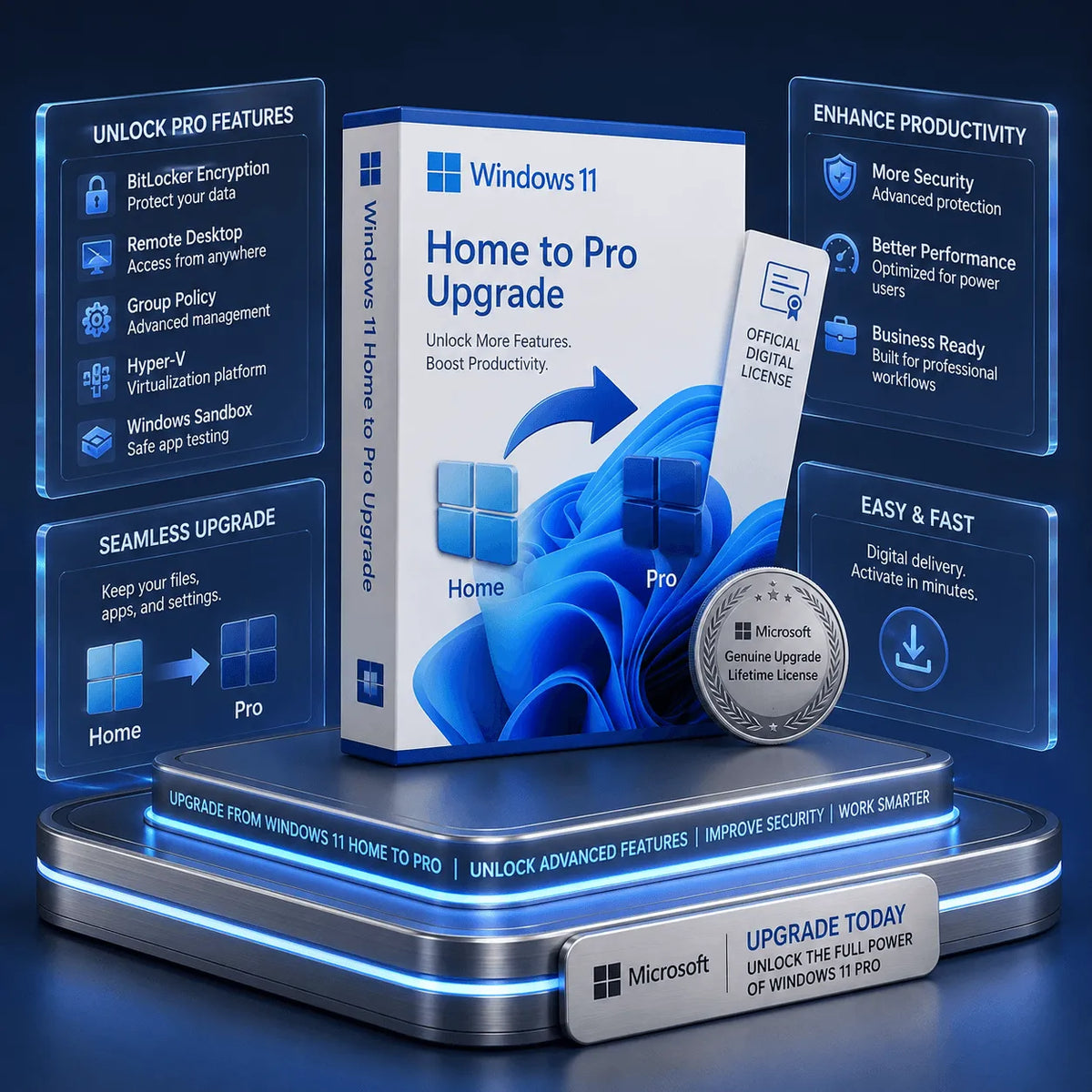
This Windows 11 Home to Pro upgrade is for one PC already running activated Windows 11 Home. It changes the installed edition to Pro through Windows Settings. An edition upgrade normally keeps files, apps and settings; back up important data before starting.
At a glance
| Starting edition | Activated Windows 11 Home |
|---|---|
| Result | Windows 11 Pro |
| Device count | 1 PC |
| Payment | One-time purchase |
| Clean installation | Not normally required for the supported edition upgrade |
What Windows 11 Pro adds
- BitLocker Drive Encryption management.
- Remote Desktop hosting, so an authorized device can connect to this PC.
- Hyper-V and Windows Sandbox on supported hardware.
- Group Policy, Active Directory domain join and Microsoft Entra ID join.
Home includes everyday browsing, gaming and productivity features. Eligible Home devices can also offer Device Encryption; this differs from Pro’s BitLocker management. A Pro license does not by itself provide Microsoft 365 Copilot or turn a PC into a Copilot+ PC.
How to upgrade
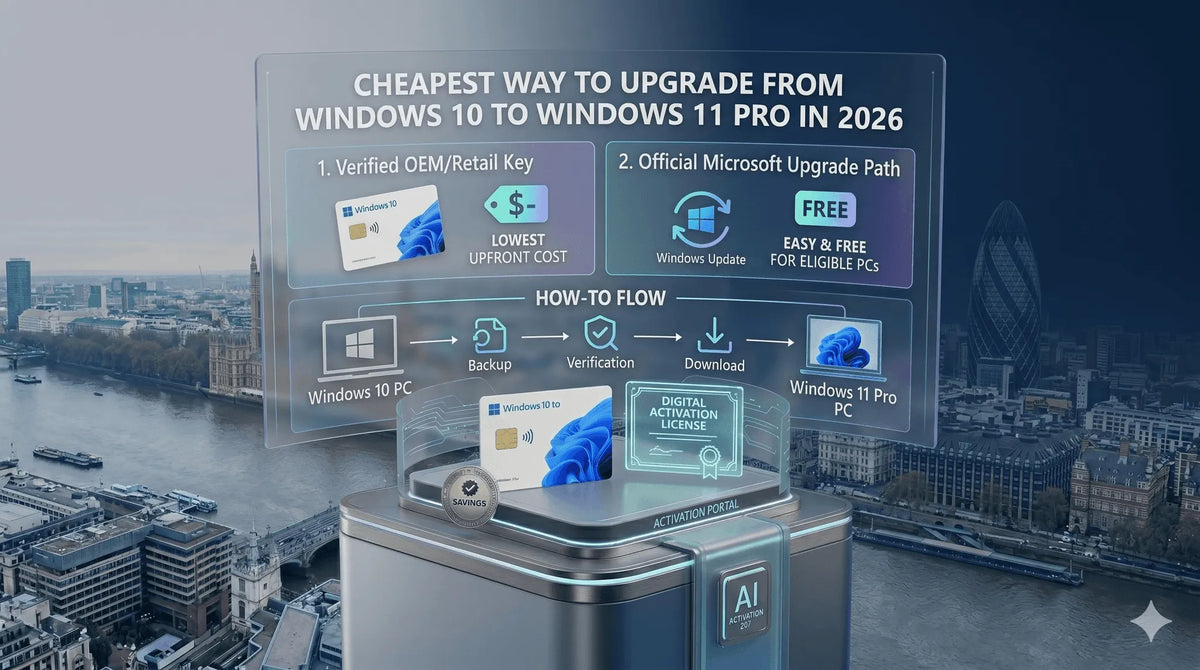
- Confirm that Settings → System → Activation shows Windows 11 Home as activated.
- Back up your files, install pending updates and connect to the internet.
- Select Change product key, enter the supplied Pro key and follow the prompts.
- Restart when requested and confirm that Windows 11 Pro is activated.
Frequently asked questions
Is this a full license for a PC without Windows?
No. This listing requires an existing activated Windows 11 Home installation.
How long does the upgrade take?
Time depends on the device, pending updates and connectivity. Keep the PC powered on and allow Windows to complete the process.
Will it provide Copilot+ features?
Those features have separate hardware and service requirements. The edition upgrade alone does not provide them.
Digital delivery and support
Your product key and setup instructions are delivered instantly by email after payment confirmation. Check Spam, Junk and Promotions folders if the email is missing. SoftwareKeep provides 24×7 installation and activation assistance for USA and global customers.
Digital delivery policy · Refund policy · Contact support
Compare Windows options and setup guides
Share