softwarekeep.digital
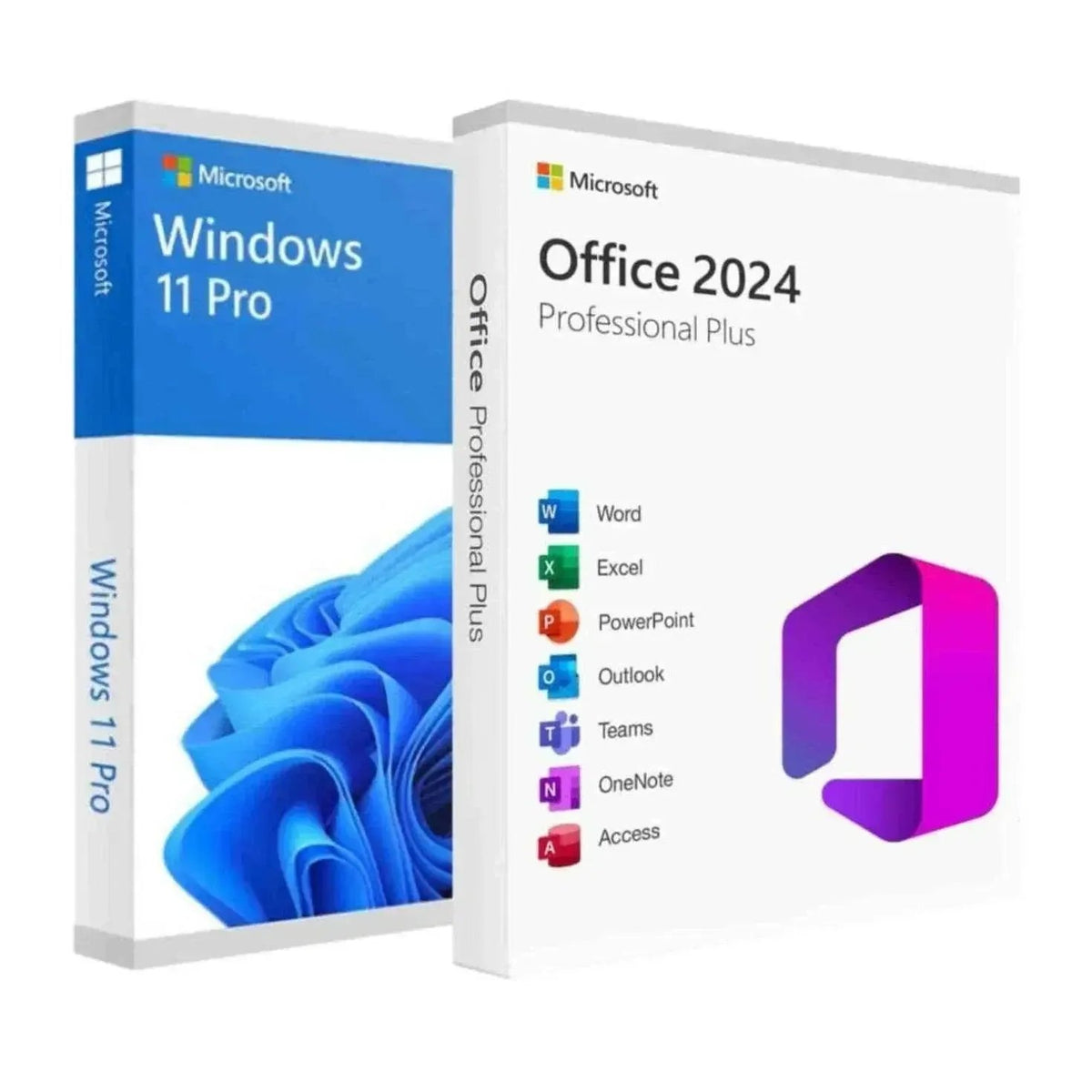
Windows 11 Pro Digital License + Office 2024 Professional Plus
Windows 11 Pro Digital License + Office 2024 Professional Plus
Couldn't load pickup availability
Microsoft Windows 11 Pro and Office 2024 Professional Plus Bundle
This bundle combines two of Microsoft's most powerful software products into a single, cost-effective package. You get a genuine Windows 11 Pro license and a genuine Microsoft Office 2024 Professional Plus license — both as one-time purchases with no recurring subscription fees.
Designed for professionals, small businesses, students, and home office users who need a complete, reliable productivity setup from day one.
What Is Included
- Windows 11 Pro — genuine digital license key (1 PC)
- Microsoft Office 2024 Professional Plus — genuine digital license key (1 PC)
- Instant email delivery of both product keys
- Step-by-step activation instructions for both products
- Access to Microsoft security updates and patches
Windows 11 Pro — Key Features
- BitLocker Encryption — Encrypts your entire drive to protect sensitive data from unauthorized access, even if your device is lost or stolen.
- Remote Desktop — Connect to your PC securely from any location. Essential for remote workers and distributed teams.
- Hyper-V Virtualization — Run virtual machines directly on your PC without third-party software. Useful for developers, IT professionals, and testers.
- Group Policy Management — Apply and enforce IT policies across devices. Integrates with Azure Active Directory for enterprise identity management.
- Windows Information Protection — Separates personal and work data to prevent accidental data leaks.
- Snap Layouts and Virtual Desktops — Improved multitasking tools that help you organize open windows and switch between workspaces efficiently.
- Azure Active Directory Integration — Connect to cloud-based identity services for single sign-on and centralized access management.
Microsoft Office 2024 Professional Plus — Applications Included
- Word 2024 — Create professional documents, reports, contracts, and proposals with advanced formatting and real-time collaboration tools.
- Excel 2024 — Build spreadsheets, financial models, and data dashboards using powerful formulas, pivot tables, and charts.
- PowerPoint 2024 — Design professional presentations with templates, animations, and multimedia support.
- Outlook 2024 — Manage email, calendar, contacts, and tasks in one integrated application.
- Access 2024 — Build and manage custom databases for inventory, customer records, and business operations.
- Publisher 2024 — Create marketing materials, brochures, newsletters, and publications using professional design templates.
- OneNote 2024 — Organize notes, research, and meeting minutes in digital notebooks that can be shared with your team.
Why Choose This Bundle
- One-time purchase — Pay once and own both licenses permanently. No monthly or annual subscription required.
- Perpetual license — Both Windows 11 Pro and Office 2024 Professional Plus are lifetime licenses tied to your device.
- Instant digital delivery — Product keys are delivered by email within minutes of purchase. No waiting, no shipping.
- Genuine Microsoft software — All licenses are authentic and fully compliant with Microsoft's licensing terms.
- Cost-effective — Purchasing both products as a bundle saves money compared to buying them separately.
- Security and reliability — Windows 11 Pro includes enterprise-grade security features not available in Windows 11 Home.
Who Should Buy This Bundle
- Small business owners who need a secure, fully equipped workstation without ongoing software costs.
- Remote workers and freelancers who require Remote Desktop access and the full Office suite for client work.
- Students and educators who need Word, Excel, PowerPoint, and a stable operating system for academic work.
- IT professionals and developers who use Hyper-V, Group Policy, and Office tools for documentation and system management.
- Accountants and finance professionals who rely on Excel and Outlook for daily operations.
- Designers and marketers who use Publisher and PowerPoint for client-facing materials.
- Home office users who want enterprise-level tools without an enterprise-level price.
System Requirements
| Component | Windows 11 Pro | Office 2024 Professional Plus |
|---|---|---|
| Operating System | Windows 11 (clean install or upgrade) | Windows 11 or Windows 10 |
| Processor | 1 GHz or faster, 2+ cores, 64-bit compatible | 1.6 GHz or faster, 2-core |
| RAM | 4 GB minimum | 4 GB (64-bit) |
| Storage | 64 GB or larger | 4 GB available disk space |
| Display | 720p, 9-inch or larger screen | 1280 x 768 resolution |
| Graphics | DirectX 12, WDDM 2.0 driver | DirectX 10 compatible |
| TPM | TPM version 2.0 required | Not required |
| Firmware | UEFI, Secure Boot capable | Not required |
| Internet | Required for setup and updates | Required for activation and updates |
Compatibility
Windows 11 Pro is compatible with 64-bit PCs that meet the hardware requirements above, including TPM 2.0 and UEFI Secure Boot. It is not compatible with 32-bit systems or older hardware that lacks TPM 2.0. You can use Microsoft's PC Health Check tool to verify compatibility before purchasing.
Office 2024 Professional Plus is compatible with Windows 10 and Windows 11. It is not compatible with macOS. A Microsoft account is required for activation. Internet access is needed during the initial activation process.
How to Install Windows 11 Pro
- Go to Settings → System → Activation on your Windows PC.
- Click Change product key and enter your Windows 11 Pro license key.
- Windows will verify the key and upgrade your edition automatically.
- Restart your PC to complete the upgrade to Windows 11 Pro.
How to Install Office 2024 Professional Plus
- Visit the official Microsoft Office setup page and sign in with your Microsoft account.
- Enter your Office 2024 product key when prompted.
- Download the Office installer and run it on your PC.
- Follow the on-screen instructions to complete installation.
- Open any Office application and sign in to activate your license.
How to Activate Your Licenses
Windows 11 Pro Activation
- Open Settings → System → Activation.
- Select Change product key and enter your 25-character key.
- Windows connects to Microsoft's activation servers to verify and activate your license.
- If activation fails, use the Activation Troubleshooter or contact Microsoft Support.
Office 2024 Activation
- Open any Office application such as Word or Excel.
- Sign in with your Microsoft account when prompted.
- Enter your product key at setup.office.com if not already linked to your account.
- Activation completes automatically once the key is verified online.
- If you see an activation error, ensure your internet connection is active and try again.
Windows 11 Pro vs. Windows 11 Home — Comparison
| Feature | Windows 11 Home | Windows 11 Pro |
|---|---|---|
| BitLocker Encryption | No | Yes |
| Remote Desktop (host) | No | Yes |
| Hyper-V Virtualization | No | Yes |
| Group Policy Management | No | Yes |
| Azure Active Directory Join | No | Yes |
| Windows Information Protection | No | Yes |
| Assigned Access (Kiosk Mode) | No | Yes |
| Windows Sandbox | No | Yes |
Office 2024 Professional Plus vs. Microsoft 365 — Comparison
| Feature | Office 2024 Professional Plus | Microsoft 365 |
|---|---|---|
| Payment model | One-time purchase | Monthly or annual subscription |
| Applications included | Word, Excel, PowerPoint, Outlook, Access, Publisher, OneNote | Word, Excel, PowerPoint, Outlook, OneNote, Teams (no Access or Publisher on personal plans) |
| Feature updates | Security updates only | Ongoing feature updates |
| Cloud storage | Not included | 1 TB OneDrive included |
| Number of devices | 1 PC | Up to 5 devices (personal/family plans) |
| Access and Publisher | Included | Not included on consumer plans |
| Internet required | Activation only | Required for full functionality |
Frequently Asked Questions
What is included in this bundle?
This bundle includes a genuine Windows 11 Pro digital license and a genuine Microsoft Office 2024 Professional Plus digital license. Both are delivered by email as product keys with activation instructions.
Is this a one-time purchase or a subscription?
Both licenses are one-time purchases. You pay once and own the software permanently with no recurring fees.
Does Office 2024 require a Microsoft 365 subscription?
No. Office 2024 Professional Plus is a standalone, perpetual license. It does not require a Microsoft 365 subscription to use.
Does Windows 11 Pro work on my current PC?
Windows 11 Pro requires a 64-bit processor, 4 GB RAM, 64 GB storage, TPM 2.0, and UEFI Secure Boot. Use Microsoft's PC Health Check tool to confirm compatibility before purchasing.
Can I reinstall the software if I reset my PC?
Yes. Both licenses are tied to your Microsoft account or hardware. You can reinstall and reactivate using the same product key.
Can I transfer the license to a new PC?
Windows 11 Pro OEM licenses are tied to the original device and cannot be transferred. Office 2024 retail licenses may be transferable — check the license terms included with your purchase.
Will I receive security updates?
Yes. Both Windows 11 Pro and Office 2024 receive ongoing security updates and patches from Microsoft at no additional cost.
Does Office 2024 include Access and Publisher?
Yes. Office 2024 Professional Plus includes Word, Excel, PowerPoint, Outlook, Access, Publisher, and OneNote — the complete suite.
How quickly will I receive my product keys?
Product keys are delivered by email within minutes of purchase. Check your inbox and spam folder if you do not see the email.
What if I have trouble activating?
Contact SoftwareKeep's customer support team for assistance. We help with activation errors, installation issues, and product key problems.
Is this genuine Microsoft software?
Yes. All licenses sold by SoftwareKeep are genuine Microsoft products that comply with Microsoft's licensing terms.
Can I use Office 2024 offline?
Yes. After activation, Office 2024 Professional Plus works fully offline. An internet connection is only required during the initial activation.
Troubleshooting Common Issues
Windows 11 Pro Activation Errors
- Error 0xC004F213 — The product key does not match your hardware. Contact support to verify your key.
- Error 0xC004C003 — The activation server is unavailable. Check your internet connection and try again.
- TPM not detected — Enable TPM 2.0 in your BIOS/UEFI settings before attempting installation.
Office 2024 Activation Errors
- Product key already used — Contact SoftwareKeep support immediately for resolution.
- Unlicensed product warning — Sign in to your Microsoft account and re-enter your product key at setup.office.com.
- Installation stuck or failed — Use the Microsoft Support and Recovery Assistant tool to diagnose and fix Office installation issues.
Compatibility Issues
- If your PC does not meet Windows 11 requirements, Windows 11 Pro cannot be installed. Verify hardware compatibility using the PC Health Check tool.
- Office 2024 is not compatible with macOS. Windows 10 or Windows 11 is required.
Why Buy From SoftwareKeep
- Genuine Microsoft licenses — all products are authentic and fully compliant.
- Instant digital delivery — product keys sent by email within minutes of purchase.
- Dedicated customer support — available to help with activation, installation, and technical questions.
- Secure checkout — multiple payment options with encrypted transactions.
- No hidden fees — the price you see is the price you pay, with no subscriptions or renewals.
Get Started Today
The Windows 11 Pro and Office 2024 Professional Plus bundle gives you everything you need to build a productive, secure, and professional workstation. Whether you are running a small business, working remotely, studying, or managing IT infrastructure, this bundle delivers genuine Microsoft software at a price that makes sense.
Purchase today and receive your product keys by email within minutes. No subscriptions. No hidden costs. Just powerful Microsoft software, ready to use.
Share