microsoft
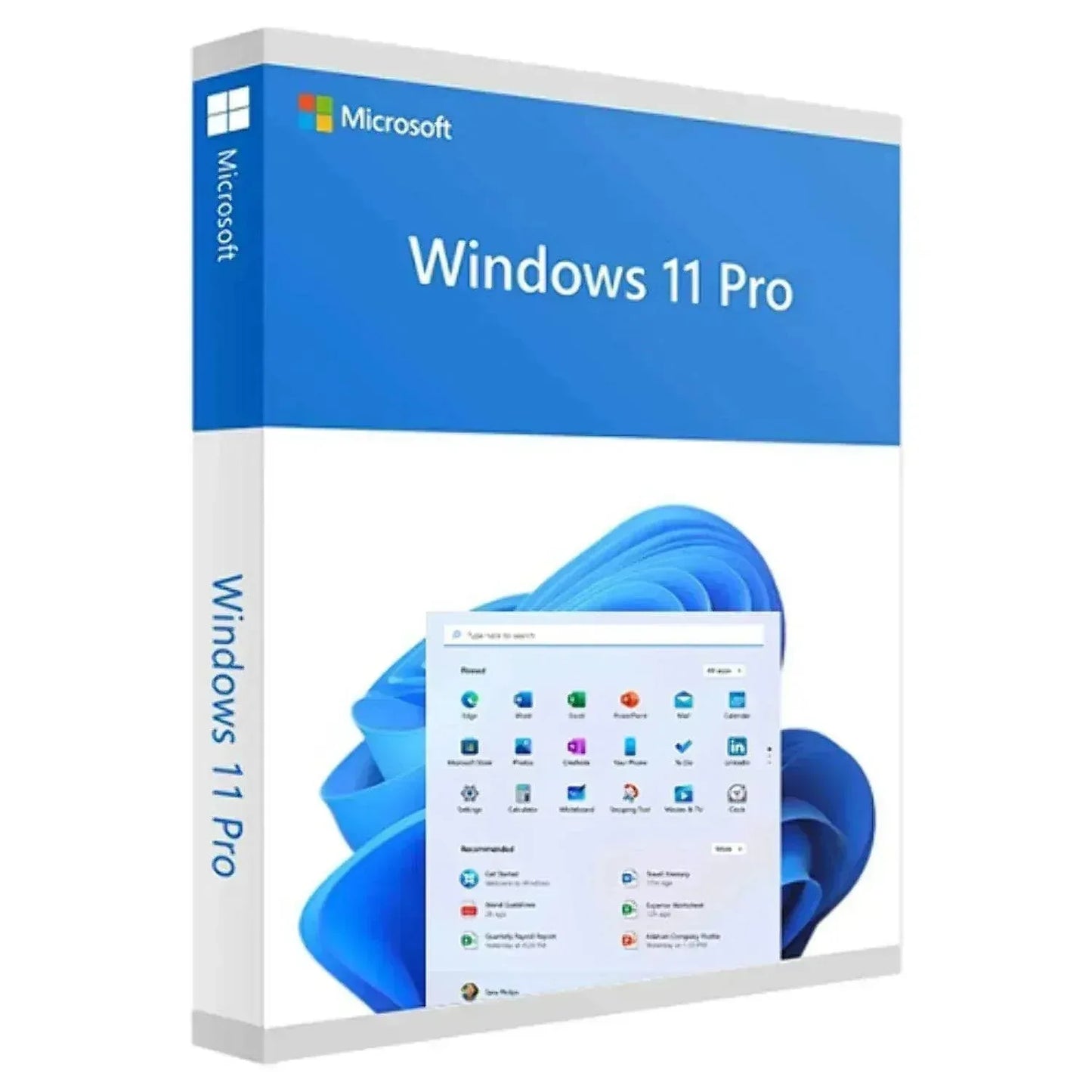
Windows 11 Home to Pro Upgrade - Microsoft Software Deal
Windows 11 Home to Pro Upgrade - Microsoft Software Deal
Couldn't load pickup availability
Unlock Professional Power with Windows 11 Home to Pro Upgrade
Transform your Windows 11 Home PC into a professional-grade workstation with the official Microsoft Windows 11 Home to Pro Upgrade. Designed for power users, small business owners, remote workers, and IT professionals, this digital license instantly unlocks enterprise-level features including BitLocker encryption, Remote Desktop, Group Policy management, and Hyper-V virtualization—without reinstalling your operating system or losing any files.
Delivered as a genuine Microsoft product key with instant digital delivery, this upgrade gives you immediate access to advanced security, device management, and productivity tools that elevate your Windows experience. Protect sensitive data, work remotely with confidence, and manage your PC like a pro—all while preserving your existing files, applications, and settings.
Why Upgrade from Windows 11 Home to Pro?
Windows 11 Pro is built for professionals who demand more from their operating system. Whether you're managing a small business, working remotely, or need advanced security and virtualization capabilities, this upgrade delivers the tools you need to work smarter and more securely.
BitLocker Full-Disk Encryption — Protect your entire hard drive with military-grade encryption. Safeguard confidential files, client data, and sensitive business information from unauthorized access, even if your device is lost or stolen.
Remote Desktop Access — Connect securely to your PC from anywhere in the world. Perfect for hybrid work, travel, and distributed teams who need reliable access to their office workstation from home or on the road.
Group Policy & Device Management — Deploy centralized IT policies, manage user permissions, and control security settings across your organization. Ideal for small businesses and IT administrators managing multiple devices.
Hyper-V Virtualization — Run virtual machines for testing, development, and sandboxed environments without additional software. Create isolated workspaces for legacy applications, software testing, or secure browsing.
Windows Information Protection (WIP) — Prevent accidental data leaks by separating personal and work data. Control how corporate information is accessed, shared, and protected across apps and devices.
Assigned Access & Kiosk Mode — Lock down devices to run only specific applications. Perfect for retail kiosks, public-facing terminals, or dedicated workstations that require restricted access.
Azure Active Directory Integration — Join your PC to your organization's Azure AD domain for single sign-on, cloud-based identity management, and seamless access to Microsoft 365 and enterprise resources.
Seamless Upgrade Process — No Reinstall Required
Upgrading from Windows 11 Home to Pro is fast, simple, and completely non-disruptive. Unlike a clean install, this in-place upgrade preserves all your files, applications, settings, and preferences. Simply enter your product key in Windows Settings, and your PC will automatically unlock all Pro features within minutes—no downtime, no data loss, no hassle.
Instant Digital Delivery — Receive your genuine Microsoft product key via email within minutes of purchase. No shipping delays, no physical media, no waiting.
Lifetime License Validity — This is a perpetual license with no recurring fees or subscription costs. Pay once and enjoy Windows 11 Pro features forever.
100% Genuine Microsoft License — Authentic digital license backed by Microsoft. Fully compliant, fully supported, and eligible for all future Windows 11 updates and security patches.
Who Should Upgrade to Windows 11 Pro?
This upgrade is ideal for anyone who needs professional-grade security, remote access, or advanced device management capabilities.
Small Business Owners — Secure customer data, manage employee devices, and maintain compliance with industry regulations using BitLocker encryption and Group Policy controls.
Remote Workers & Hybrid Teams — Access your office PC securely from home, coffee shops, or while traveling with Remote Desktop. Stay productive from anywhere without compromising security.
IT Professionals & System Administrators — Deploy virtual machines, test configurations, manage domain-joined devices, and enforce security policies across your organization.
Freelancers & Consultants — Protect client files with encryption, maintain professional-grade security standards, and demonstrate compliance with data protection requirements.
Power Users & Developers — Unlock Hyper-V for virtualization, run multiple operating systems for testing, and access advanced system management tools unavailable in Home edition.
How to Activate Your Windows 11 Pro Upgrade
Step 1: Purchase & Receive — Complete your order and receive your 25-character product key via email within minutes.
Step 2: Open Windows Settings — On your Windows 11 Home PC, navigate to Settings → System → Activation.
Step 3: Enter Your Product Key — Click "Change product key" and enter your Windows 11 Pro upgrade key exactly as provided.
Step 4: Activate & Upgrade — Windows will verify your key with Microsoft's servers and automatically upgrade your edition. No reinstall required.
Step 5: Restart & Enjoy — Restart your PC to complete the upgrade. All Pro features—including BitLocker, Remote Desktop, and Hyper-V—are now unlocked and ready to use.
Technical Specifications
Product Type: Digital License Upgrade (Windows 11 Home → Pro)
License Type: Single-User / 1 Device
Delivery Format: Digital Download / Product Key
Architecture: 64-bit (x64-based processor required)
Minimum Requirements: 1 GHz dual-core CPU, 4 GB RAM, 64 GB storage
TPM Requirement: TPM version 2.0
Display: 720p or higher, 9″+ diagonal screen
Graphics: DirectX 12 compatible GPU with WDDM 2.0 driver
Secure Boot: UEFI with Secure Boot enabled
Internet Access: Required for activation and updates
What's Included
Genuine Microsoft Windows 11 Pro Upgrade digital license with 25-character product key for instant activation, lifetime license validity with no recurring fees, access to all Windows 11 Pro features and future updates, email delivery within minutes of purchase, and activation support with step-by-step installation guide.
Frequently Asked Questions
Q: Will I lose my files and programs when I upgrade?
A: No. Upgrading from Windows 11 Home to Pro is an in-place upgrade that preserves all your files, applications, and settings. It's completely seamless.
Q: How long does the upgrade take?
A: Activation typically completes in 5–10 minutes. Your PC may restart once to apply the new edition.
Q: Can I use this key on multiple devices?
A: No. This is a single-device license. Each PC requires its own Windows 11 Pro Upgrade key.
Q: Is this a subscription or one-time purchase?
A: This is a perpetual license with no recurring fees. Pay once and use Windows 11 Pro forever.
Q: Will I receive updates after upgrading?
A: Yes. You'll receive all future Windows 11 security updates, feature updates, and patches directly from Microsoft.
Why Choose SoftwareKeep?
SoftwareKeep is your trusted source for genuine Microsoft software licenses. We provide instant digital delivery, competitive pricing, 100% authentic licenses backed by Microsoft, and dedicated US-based customer support to help with activation and setup. Upgrade to Windows 11 Pro today and unlock the full potential of your PC with professional-grade security, remote access, and advanced management tools designed for modern work environments.
Share