Skip to product information
1 of 4

microsoft

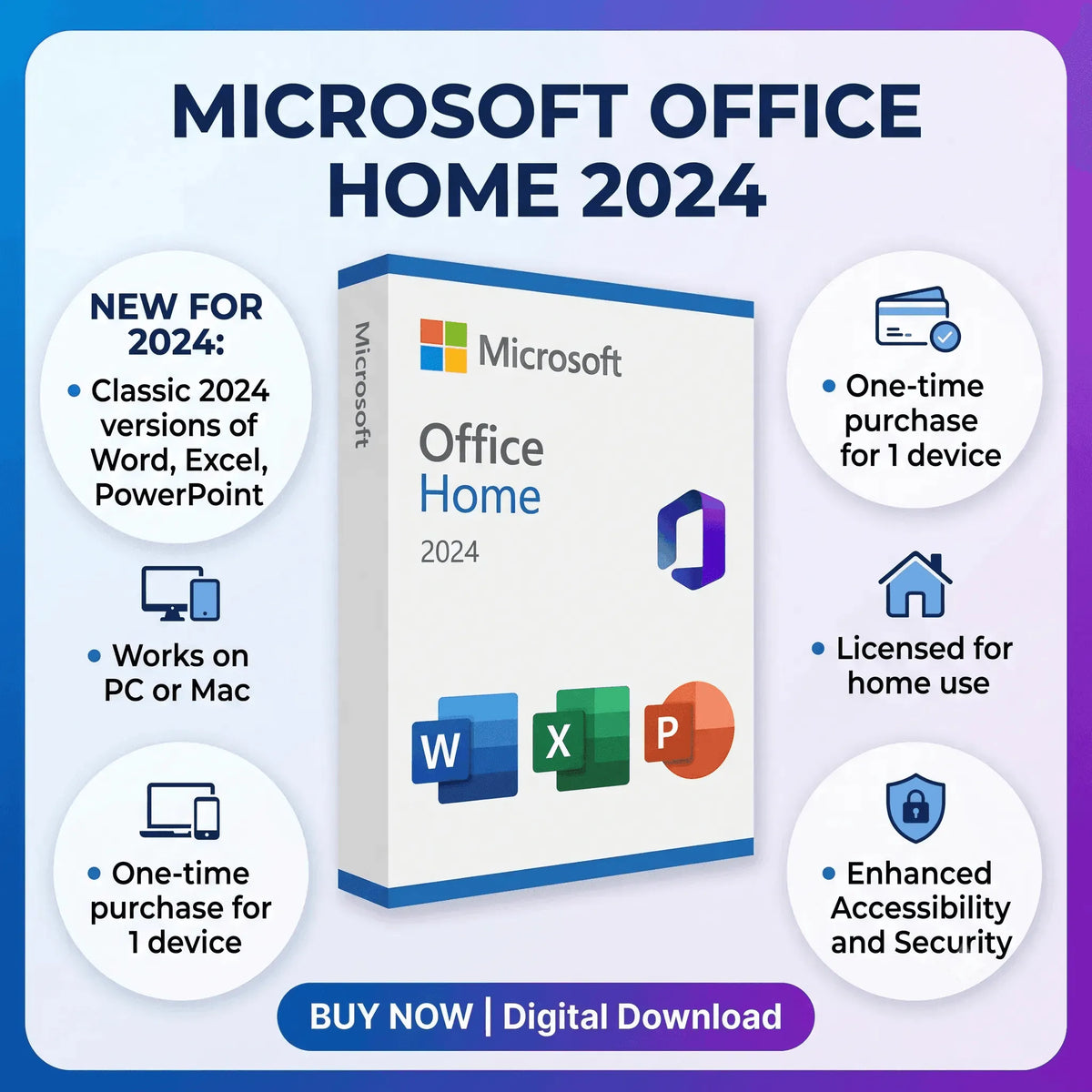
Microsoft Office Home 2024 – Lifetime License for 1 PC

Microsoft Office Home 2024 – Lifetime License for 1 PC

Regular price $51.95 USD
Regular price $140.00 USD Sale price $51.95 USD
Sale Sold out
Shipping calculated at checkout.

Microsoft Office Home 2024 – One-Time Purchase, No Subscription

Microsoft Office Home 2024 is a perpetual-license productivity suite designed for home users, students, and freelancers who need the core Office applications without a recurring subscription. It includes Word, Excel, PowerPoint, and OneNote under a single lifetime license for one Windows PC.

Unlike Microsoft 365, which requires a monthly or annual fee, Office Home 2024 is a one-time purchase that never expires. Your genuine product key is delivered by email within minutes of purchase, ready to activate directly on Microsoft’s servers.

What Is Microsoft Office Home 2024?

Microsoft Office Home 2024 is a perpetual-license version of Microsoft Office released in October 2024. It is designed for personal and home use on a single Windows PC. The suite includes the four most widely used Office applications — Word, Excel, PowerPoint, and OneNote — updated with the latest features available in the 2024 release.

This edition does not include Outlook, Publisher, or Access. If you need those applications, consider Microsoft Office 2024 Professional Plus, which includes the full suite.

What’s Included

  • Microsoft Word 2024 – Document creation, editing, and formatting with improved writing tools
  • Microsoft Excel 2024 – Spreadsheets, dynamic arrays, XLOOKUP, and advanced data visualization
  • Microsoft PowerPoint 2024 – Professional presentations with modern design tools
  • Microsoft OneNote 2024 – Digital note-taking and information organization
  • One genuine 25-character Microsoft product key
  • Official Microsoft download link
  • Perpetual license for 1 PC — no expiration, no subscription
  • Softwarekeep installation and activation support

Key Features of Microsoft Office Home 2024

  • Perpetual license: Pay once. The software does not expire and requires no subscription to continue working.
  • Improved Word writing tools: Enhanced Editor with grammar checking, readability scoring, and rewrite suggestions help you produce polished documents faster.
  • Advanced Excel functions: Dynamic arrays, XLOOKUP, and improved pivot tables make data analysis faster and more intuitive for home users and students alike.
  • Modern PowerPoint design tools: Designer suggestions, improved transitions, and Presenter Coach help you build and deliver better presentations.
  • OneNote organization: Capture notes, web clips, images, and audio in organized notebooks that sync across devices via OneDrive.
  • Real-time co-authoring: Collaborate on Word, Excel, and PowerPoint files simultaneously with others when documents are stored in OneDrive.
  • Security updates included: Microsoft provides security patches through the standard Office 2024 support lifecycle at no additional cost.

Who Should Buy Microsoft Office Home 2024?

  • Home users who need Word, Excel, and PowerPoint for everyday tasks without a subscription
  • Students who need permanent access to Office for coursework, essays, and presentations
  • Freelancers and remote workers who use Office tools daily and prefer a one-time cost
  • Teachers who create lesson materials, grade sheets, and presentations at home
  • Anyone upgrading from Office 2016, 2019, or 2021 who wants the latest version without Microsoft 365

Microsoft Office Home 2024 vs. Other Office Editions

Feature Office Home 2024 Office Home & Business 2024 Office 2024 Pro Plus Microsoft 365 Personal
Word, Excel, PowerPoint, OneNote Yes Yes Yes Yes
Outlook No Yes Yes Yes
Publisher & Access No No Yes No
Perpetual license Yes Yes Yes No – subscription
Monthly fee None None None Required
Commercial use rights No Yes Yes Yes
Number of PCs 1 1 1 Up to 5

System Requirements

Component Minimum Requirement
Operating System Windows 10 (64-bit, version 1909 or later) or Windows 11
Processor 1.6 GHz dual-core or faster
RAM 4 GB (64-bit)
Storage 4 GB available disk space
Display 1280 × 768 screen resolution
Internet Required for download and initial activation
macOS Not supported

Compatibility

  • Windows 11 – Fully supported on all editions (Home, Pro, Enterprise)
  • Windows 10 – Supported on 64-bit versions, version 1909 or later
  • macOS – Not supported. This is the Windows-only version of Office Home 2024
  • Microsoft account – Recommended for license management and reinstallation; not mandatory for activation
  • Commercial use – This edition is licensed for personal and home use only. 

How to Install Microsoft Office Home 2024

  1. After purchase, check your email for your product key and download instructions from Softwarekeep.
  2. Go to office.com/setup and sign in with your Microsoft account, or create a free one.
  3. Enter your 25-character product key when prompted.
  4. Click Install Office and run the downloaded installer.
  5. Follow the on-screen setup wizard. Installation typically takes 5–10 minutes.
  6. Launch any Office application to complete the initial setup.

How to Activate Microsoft Office Home 2024

  1. Open any Office application such as Word or Excel.
  2. When prompted, click Activate, or go to File > Account > Activate Product.
  3. Enter your 25-character product key.
  4. Complete the online activation wizard. Internet activation takes seconds.
  5. Once activated, your license is tied to your Microsoft account for easy reinstallation.

If you experience activation issues, contact Softwarekeep support. We provide free activation assistance with every order.

Why Buy from Softwarekeep?

  • Genuine Microsoft software – authentic product keys from authorized sources
  • Instant digital delivery – your key is emailed immediately after payment
  • Verified keys – every product key is checked before delivery
  • No subscription – this is a true one-time purchase with no recurring fees
  • Free support – our team helps you install and activate at no extra cost

Related Microsoft Products

Frequently Asked Questions

What is Microsoft Office Home 2024?

Microsoft Office Home 2024 is a perpetual-license productivity suite for one Windows PC that includes Word, Excel, PowerPoint, and OneNote. You purchase it once and use it permanently with no subscription required. It is licensed for personal and home use only.

Is this a one-time purchase or a subscription?

This is a one-time purchase. Office Home 2024 is a perpetual license that does not expire and requires no monthly or annual fee. Unlike Microsoft 365, there are no recurring charges.

Does it work on Windows 11?

Yes. Microsoft Office Home 2024 is fully compatible with Windows 11 (all editions) and Windows 10 (64-bit, version 1909 or later). It is not compatible with macOS.

What is the difference between Office Home 2024 and Microsoft 365 Personal?

Office Home 2024 is a one-time purchase for 1 PC with no subscription. Microsoft 365 Personal is a subscription that includes cloud storage, continuous feature updates, and installation on up to 5 devices. Office Home 2024 does not include Outlook, while Microsoft 365 Personal does.

Does Office Home 2024 include Outlook?

No. Microsoft Office Home 2024 does not include Outlook. If you need Outlook, consider Office Home & Business 2024 or Office 2024 Professional Plus, both available from Softwarekeep.

How many computers can I install this on?

Office Home 2024 is licensed for one PC only. If you need Office on additional computers, you will need a separate license for each device.

Can I reinstall Office Home 2024 if I get a new computer or reinstall Windows?

Yes. If your license is linked to your Microsoft account, you can reinstall by signing in at office.com. Softwarekeep support can assist with reinstallation at no charge.

Can I transfer the license to a different computer?

Retail licenses are generally transferable. You would need to deactivate the license on the old device first. Contact Softwarekeep support for step-by-step transfer guidance.

Does Office Home 2024 receive updates?

Yes. It receives security and stability updates through Microsoft’s standard support lifecycle. It does not receive new feature updates after the initial release.

Is this a digital download or a physical product?

This is a digital product. You receive a product key and download link by email. No physical media is shipped.

Can I use Office Home 2024 for my small business?

No. Office Home 2024 is licensed for personal and home use only. For commercial use, you need Office Home & Business 2024 or Office 2024 Professional Plus. Both are available from Softwarekeep.

What if my product key does not work?

Contact Softwarekeep support immediately. We verify every key before delivery and will resolve any activation issue at no charge.

Troubleshooting

  • Activation error 0xC004F074: Check your internet connection and try again. If the error persists, use the telephone activation option in the activation wizard.
  • Installation is slow or stalls: Temporarily disable antivirus software during installation, then re-enable it once complete.
  • Office applications will not open: Run the built-in repair tool via Control Panel > Programs > Microsoft Office > Change > Quick Repair.
  • Product key already used: Contact Softwarekeep support. We will verify your order and resolve the issue.
  • Windows 10 compatibility issue: Ensure Windows 10 is updated to version 1909 or later before installing.

Get Microsoft Office Home 2024 Today

Microsoft Office Home 2024 is the smart choice for home users and students who want Word, Excel, PowerPoint, and OneNote without a subscription. Pay once, own it permanently, and get productive immediately.

Purchase today and receive your genuine product key by email within minutes. Our support team is available to help you install and activate with confidence.

View full details